
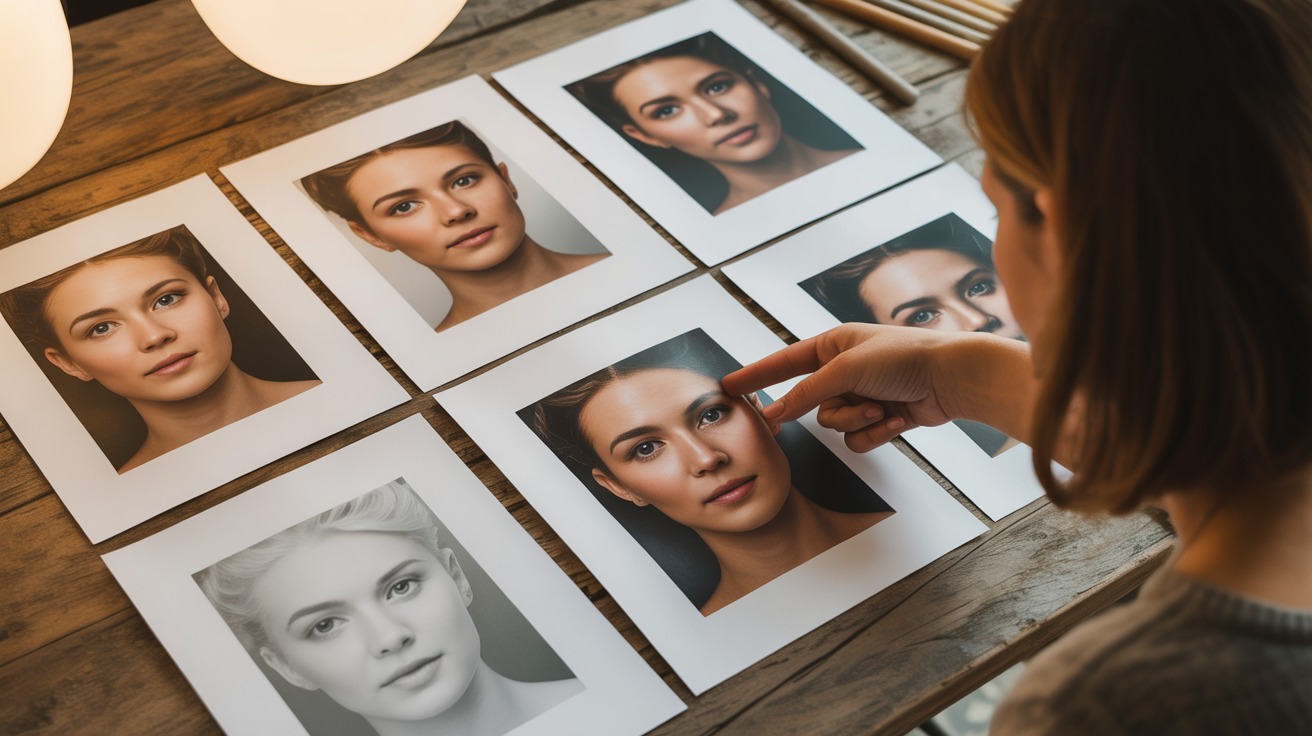
What Makes a Good Reference Photo for an Oil Painting?
The photo you submit determines 80% of the portrait's success. This guide shows you exactly what to look for — lighting, angle, expression, and resolution — so your artist has the best possible starting point.
The Photo Is the Foundation
An oil painting is only as good as the reference photo it is painted from. The most talented artist in the world cannot paint detail that is not in the image. They cannot capture an expression they cannot see. They cannot render the sparkle in an eye that is hidden in shadow.
This does not mean you need a professional photograph. It means you need a good one. And the difference between a good reference photo and a bad one is not about equipment or technical skill — it is about a few simple principles that anyone with a smartphone can follow.
This guide explains exactly what makes a reference photo work for a portrait painting, so you can give your artist the best possible starting point.
The Five Essentials
1. Clear, Well-Lit Face
The face is the emotional centre of every portrait. It needs to be:
- Visible — no sunglasses, no heavy shadows obscuring features
- Well-lit — ideally with natural light falling evenly across the face
- In focus — the eyes especially must be sharp
2. A Natural Expression
The best portrait photos capture the subject being themselves — not performing for the camera. A genuine smile, a thoughtful gaze, a characteristic head tilt. These are the expressions that make a portrait feel alive.
Candid photos often work better than posed ones. The subject is relaxed, their expression is natural, and the photo captures their personality rather than their camera face.
3. Sufficient Resolution
The photo needs enough detail for the artist to zoom in on features like eyes, hair texture, and skin tones. Most modern smartphones produce images of 12 megapixels or more — far exceeding the minimum requirement.
Avoid:
- Screenshots of photos (which compress and lose quality)
- Photos downloaded from social media (which are heavily compressed)
- Extreme crops from a larger photo (which reduce effective resolution)
4. Eye-Level Angle
Photos taken at the subject's eye level produce the most natural-looking portraits. This is especially important for pet portraits — get down to your dog or cat's level rather than photographing them from above.
Photos taken from above make the subject look diminished. Photos taken from below can look unflattering. Eye level is almost always the best choice.
5. Simple Background
A cluttered background distracts from the subject and gives the artist less information about the person or pet. However, this is the least critical element — the artist can change the background entirely if needed.
Good vs. Poor Reference Photos
Good Reference Photo Characteristics
- Soft, even lighting on the face
- Both eyes visible and in focus
- A natural, characteristic expression
- The subject fills a reasonable portion of the frame
- Minimal distracting elements
Poor Reference Photo Characteristics
- Heavy shadows obscuring one side of the face
- Blurry or out-of-focus eyes
- A forced or uncharacteristic expression
- The subject is tiny in the frame with lots of background
- Harsh flash creating washed-out skin and red eyes
Special Situations
Pet Photos
Pets are harder to photograph than people because they do not pose on command. Tips:
- Get to their level — lie on the floor if necessary
- Use natural light — near a window or outside in shade
- Capture their attention — hold a treat or toy near the camera
- Take many photos — the more you take, the better your chances of catching the perfect expression
- Focus on the eyes — tap the eyes on your phone screen to ensure the camera focuses there
Children
Children move constantly, making sharp photos difficult. Tips:
- Shoot in burst mode — take dozens of photos in quick succession
- Use natural light — it is faster (shorter shutter speed) and more flattering
- Catch candid moments — children's natural expressions are more compelling than posed smiles
- Get their attention — funny sounds, favourite toys, or another person standing behind you
Elderly Subjects
Photos of elderly subjects are often some of the most powerful reference images because of the character in the face. Tips:
- Soft lighting is essential — harsh light exaggerates wrinkles in unflattering ways
- Natural expressions — the gentle smile, the thoughtful gaze, the comfortable posture
- Comfortable setting — photograph them in a place where they feel relaxed
Memorial Photos
When the subject is no longer alive, you work with whatever photos exist. Tips:
- Send the best you have — even if it is not perfect
- Send multiple photos — different angles and expressions give the artist more to work with
- Include descriptions — eye colour, hair colour, personality traits that might not show in the photo
- Scan physical prints — at the highest resolution your scanner allows (300 DPI minimum)
What the Artist Can Fix
A skilled portrait artist can compensate for many photo imperfections:
- Slightly dark photos — the artist can brighten and interpret shadow areas
- Moderate blur — the artist can sharpen features based on context and anatomy
- Cropped compositions — the artist can extend the canvas beyond the photo's frame
- Distracting backgrounds — easily replaced with a neutral or custom background
- Red-eye from flash — trivially corrected
- Minor obstructions — a hand partially covering the face, a hat brim casting a shadow
What the Artist Cannot Fix
- Completely obscured features — if the eyes are hidden behind sunglasses, the artist cannot paint what they cannot see
- Extreme motion blur — if the subject is a complete blur, there is nothing to interpret
- Tiny resolution — if the subject is a few pixels in a wide-angle shot, there is not enough detail to enlarge
How to Submit Your Photo
The Simple Way
Upload the photo directly through our website. The original file is preserved — no compression, no quality loss.
Multiple Reference Photos
If you want to provide additional reference images — a better angle of the eyes, a full-body shot, a colour reference — include them in the notes section of your order. More information helps the artist create a more accurate portrait.
Written Notes
Include anything the photo does not show:
- "Her eyes were more green than they appear in this photo"
- "He always wore this particular hat"
- "Please paint a garden background instead of the kitchen"
- "This is a memorial portrait — the expression in this photo is exactly how I want to remember her"
The Photo You Already Have Is Probably Fine
Most clients worry their photo is not good enough. In the majority of cases, it is. Our artists work with phone photos every day — slightly imperfect lighting, a busy background, a photo that was never intended to be anything more than a quick snapshot.
If you can see the subject's face clearly and the expression feels right, the photo will work.
Every PaintedForU portrait comes with unlimited free revisions, free shipping, and a 100% satisfaction guarantee.
Upload your photo now and let our artists show you what they can do with it.Frequently Asked Questions
What is the minimum photo resolution for a portrait painting?
We recommend at least 1 megapixel (1000×1000 pixels). Higher resolution gives the artist more detail to work with, especially for larger canvas sizes. Most modern smartphone photos exceed this requirement.
Can you paint from a blurry or low-quality photo?
Our artists can work with imperfect photos, but image quality directly affects the level of detail achievable. If your photo is blurry, submit additional reference photos from different angles. We will always tell you honestly if a photo can produce a great result.
Should the photo be taken by a professional photographer?
No. The majority of our portraits are painted from casual smartphone photos. What matters is clear lighting on the subject's face, a natural expression, and reasonable focus. Professional quality is a bonus, not a requirement.
Can I use a group photo and have just one person painted?
Yes. We regularly crop individuals from group photos and paint them as solo portraits. As long as the person's face is clear in the group photo, the result can be excellent.
Is natural light or artificial light better for the photo?
Natural daylight is almost always superior. It is softer, more even, and produces more flattering skin tones. The ideal lighting is indirect natural light — near a window on an overcast day, or in open shade outdoors.
Can the artist fix problems with my photo?
To an extent, yes. Artists can brighten dark photos, sharpen soft details, adjust angles slightly, and remove distracting backgrounds. However, they cannot invent detail that does not exist — if the eyes are completely obscured, no amount of skill can recreate them accurately.
Sarah Chen
Senior Art Consultant
Sarah is a Senior Art Consultant at PaintForU with over 12 years of experience in custom portrait commissions. She specialises in helping clients choose the perfect style and composition for their portraits.
Ready to Create Your Portrait?
Free worldwide shipping, unlimited revisions, and 100% satisfaction guaranteed.
Start Your Portrait

